When your agent can finally read the room
Synthesis v1.29.0 adds Notion as a first-class workspace source — 7 classes, 104 tests, and three health signals that turned out to be more interesting than the indexing itself.
The wall
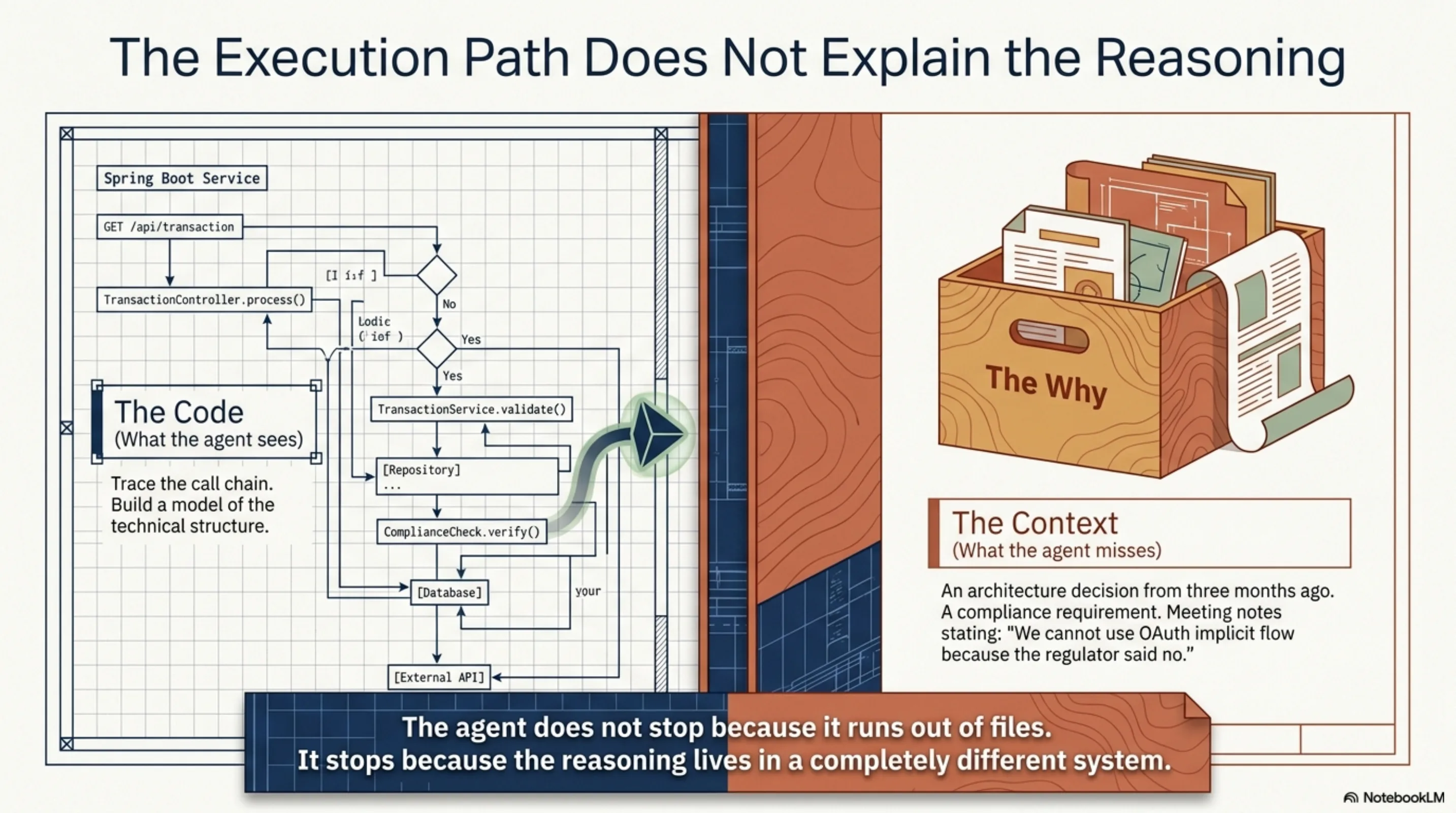
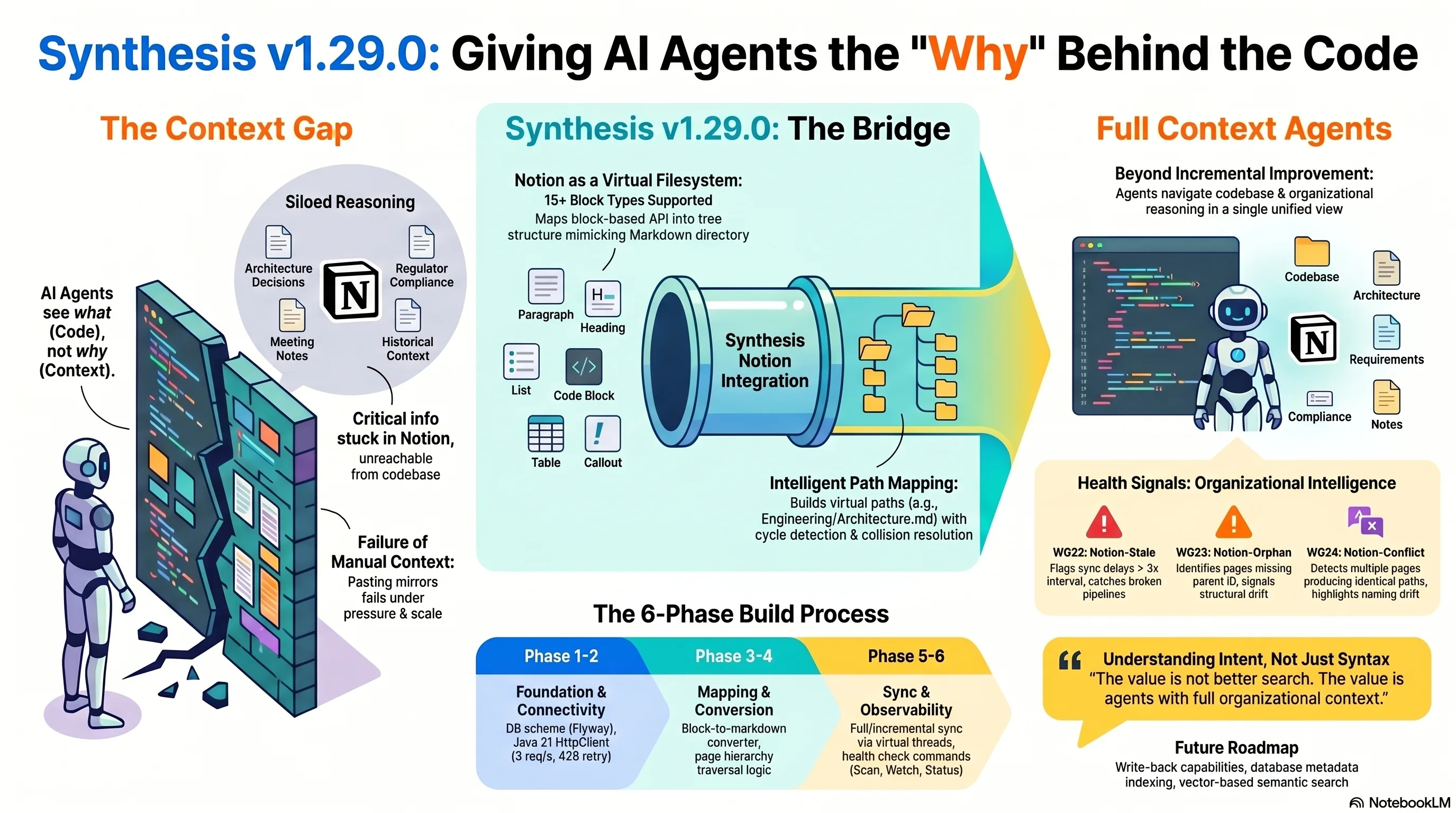
It always started the same way. I would point an ExoCortex agent at a codebase — say, a Spring Boot service with a couple hundred files — and ask it to figure out why the authentication flow worked the way it did. The agent would do what it does well: read the code, trace the call chain, build a model of the technical structure. And then it would stop. Not because it ran out of files, but because the why was not in the files.
The answer was in a Notion page somewhere. An architecture decision from three months ago. A compliance requirement documented during due diligence. Meeting notes where someone said "we cannot use OAuth implicit flow because the regulator said no." That context — the reasoning behind the code — lived in a completely different system, unreachable from the agent's perspective.
For a while I just lived with it. I would paste relevant Notion excerpts into agent context manually, or maintain Markdown mirrors of critical pages. The manual approach works until it does not, and the moment it stops working is when you most need it: under time pressure, switching between client contexts, running multiple agents on different tasks.
So Synthesis learned to read Notion.
The realization that made it simple
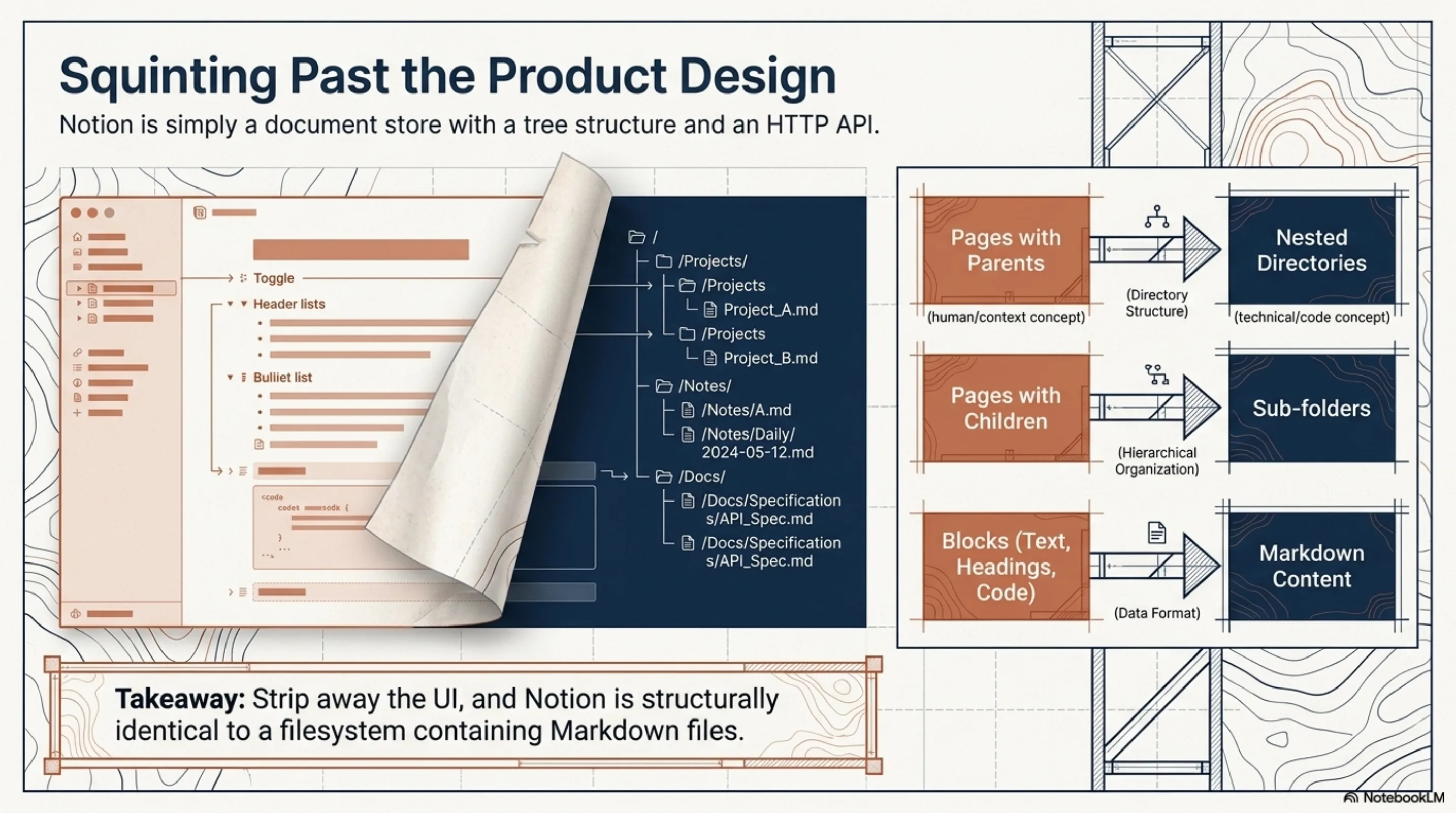
Notion, if you squint past the block-based UI, is a document store with a tree structure and an HTTP API. Pages have parents. Pages have children. Pages contain blocks that render as text, headings, lists, code, tables. Strip away the product design and you are looking at something structurally identical to a filesystem with Markdown files in nested directories.
Once you frame it that way, the integration design is almost boring. You need five things: an API client (with rate limiting, because Notion's API will throttle you at 3 requests per second), a block-to-Markdown converter, a mapper that turns the page hierarchy into virtual filesystem paths, a sync state tracker, and a watcher for incremental updates. That is exactly what was built.
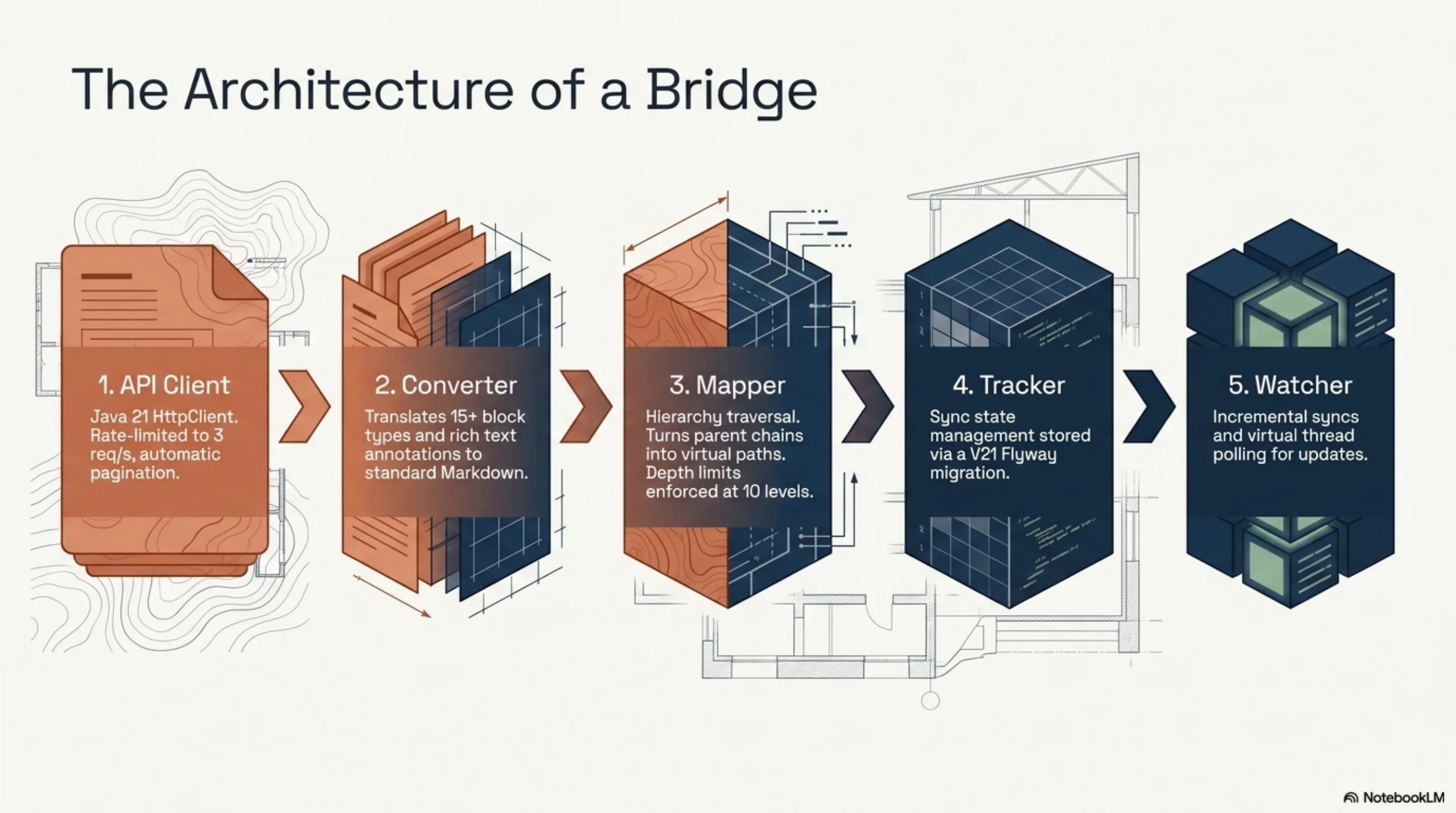
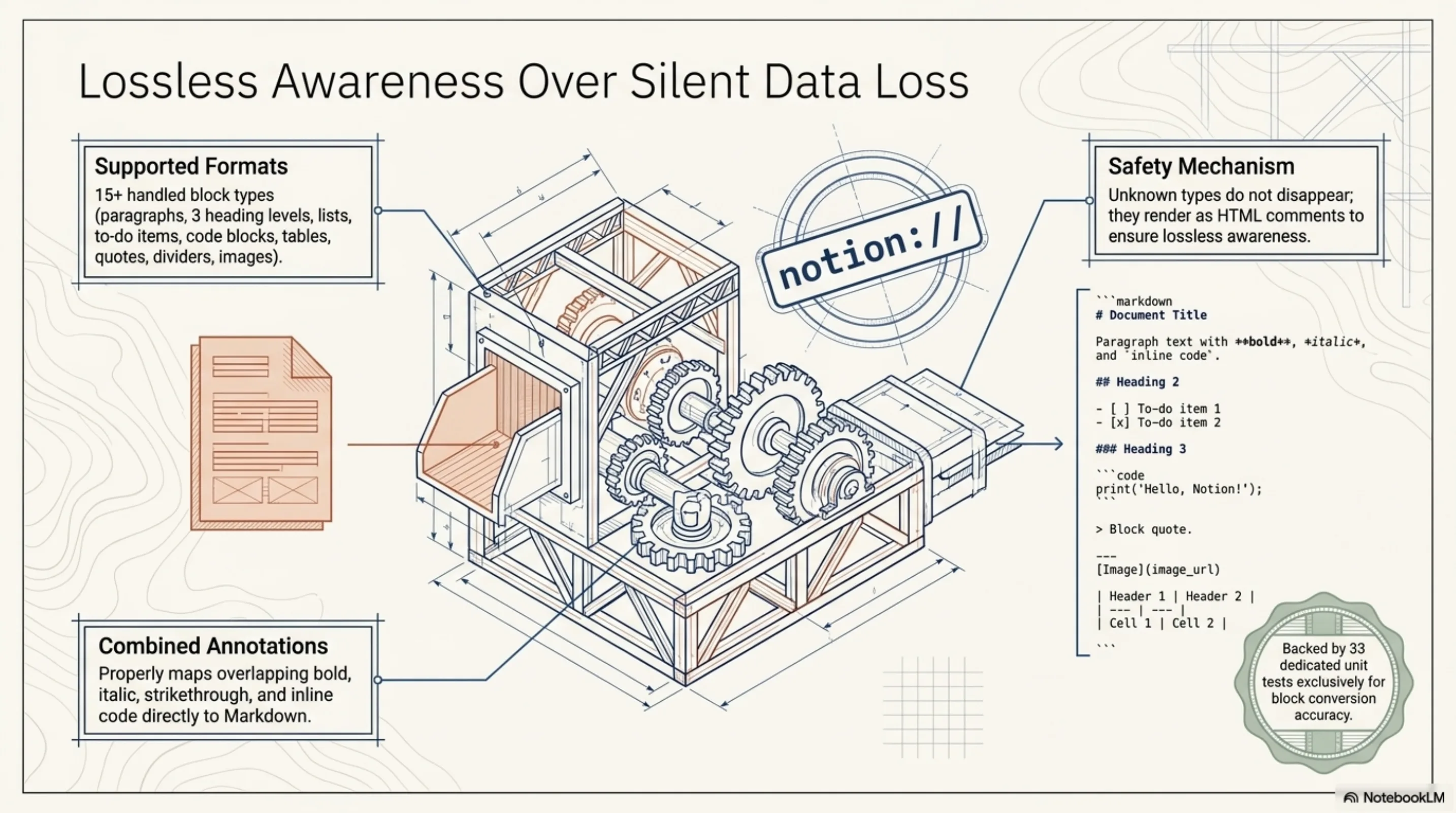
The NotionPageMapper walks up the parent chain for each page and constructs a path. A page called "Architecture" under "Engineering" becomes Engineering/Architecture.md. Cycle detection, depth limits at 10 levels, collision resolution by appending an ID suffix when two pages produce the same path. The virtual files get indexed in Lucene with a notion:// prefix so they are distinguishable from filesystem documents in search results.
The block converter handles 15+ block types: paragraphs, three heading levels, bulleted and numbered lists, to-do items, code blocks with language hints, quotes, callouts, dividers, images, bookmarks, tables, child page references, child databases. Unknown types render as HTML comments — lossless awareness rather than silent data loss. Rich text annotations map to Markdown formatting: bold, italic, strikethrough, inline code, links. Combined annotations work. It is the kind of tedious, detail-oriented work that benefits from having 33 tests specifically for the converter.
The configuration is minimal:
# .synthesis/config.yaml
notion:
  enabled: true
  token: "${NOTION_TOKEN}"
  rootPageId: "optional-root-page-id"
  pollIntervalMinutes: 15
synthesis -d /workspace init --source notion   # appends Notion config block
synthesis -d /workspace scan                   # full sync
synthesis -d /workspace watch                  # incremental polling on virtual thread
synthesis health                               # includes W022/W023/W024
How you structure a feature for AI-driven development
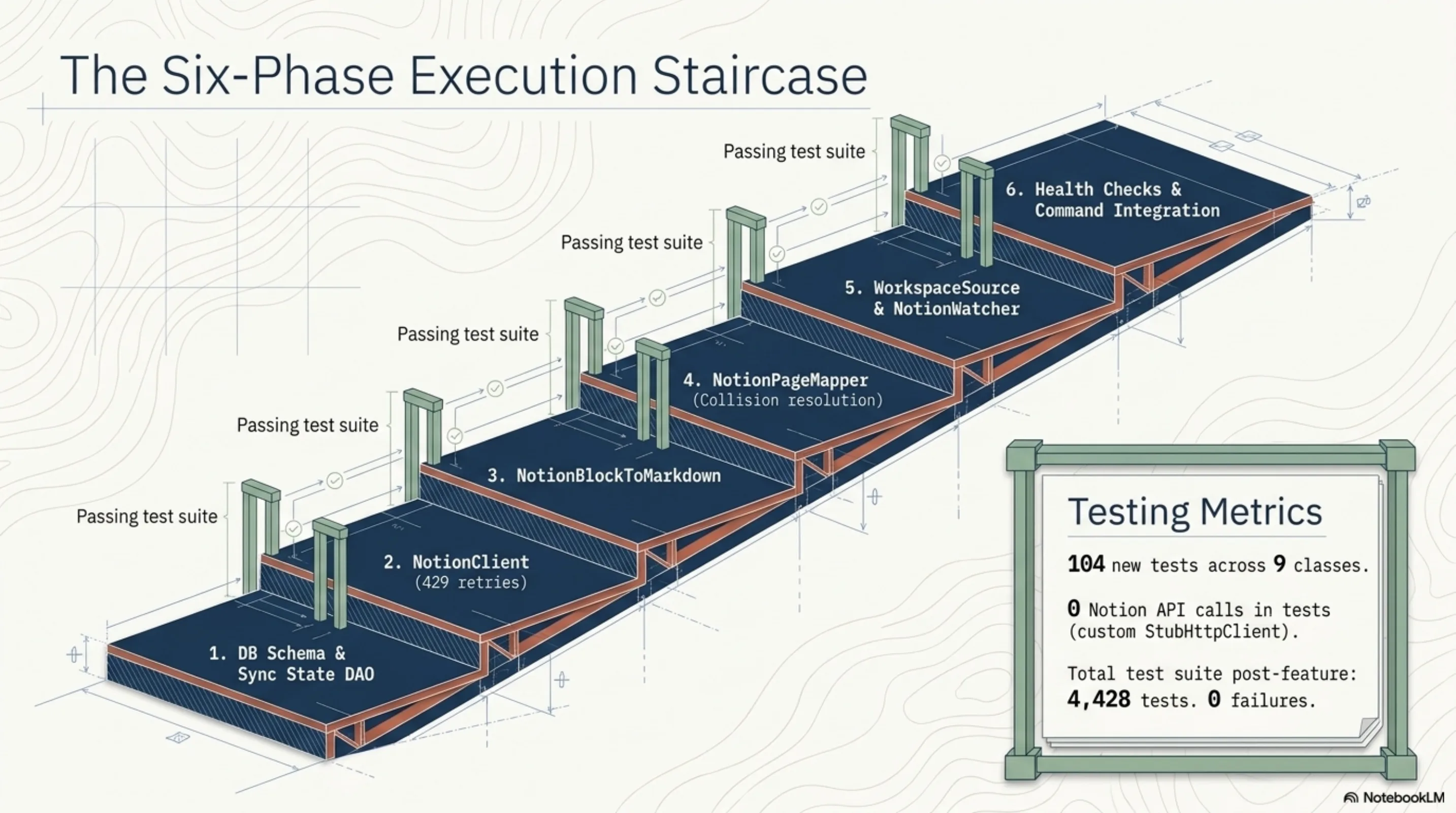
This was implemented by ExoCortex — specifically, Claude Opus working through 6 sequential phases, each fully tested before moving to the next:
- Database schema and sync state DAO (V21 Flyway migration:
notion_pages+notion_sync_state) NotionClient: Java 21 HttpClient, rate-limited to 3 req/s, automatic pagination, 429 retryNotionBlockToMarkdown: 15+ block types, rich text annotationsNotionPageMapper: hierarchy traversal, virtual path building, collision resolutionNotionWorkspaceSource+NotionWatcher: full sync, incremental sync, virtual thread polling- Health checks,
ScanCommand/WatchCommand/StatusCommand/MaintainCommandintegration
104 new tests across 9 test classes. Zero Notion API calls in any test — a custom StubHttpClient that delegates to a configurable response handler, no Mockito or WireMock involved. The total test suite after the feature landed: 4,428 tests, 0 failures.
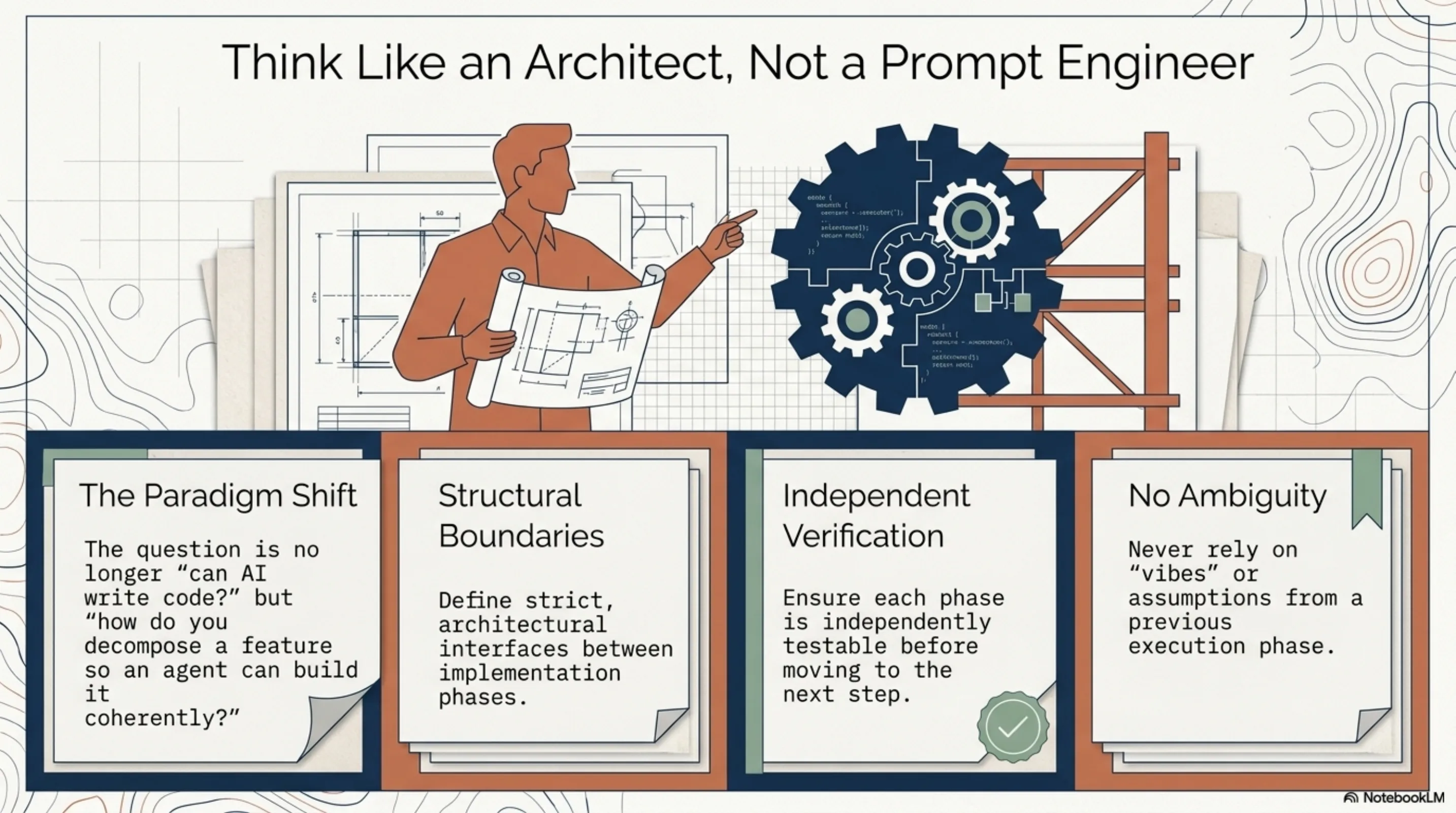
The interesting question is not "can AI write code?" — that discourse is over. The interesting question is how you decompose a feature so that an AI agent can build it phase by phase without losing coherence. The answer is to think like an architect rather than a prompt engineer. Define the interfaces between phases. Ensure each phase is independently testable. Let the agent run each phase to green before starting the next. The discipline is identical to what makes software projects work with human teams — clear boundaries, verifiable intermediate states, no phase that depends on vibes from a previous phase.
One small war story along the way: another PR landed the V20 Flyway migration on the same day we needed it for Notion. Classic. We bumped to V21 and resolved it in one commit.
The sleeper feature: health signals as organizational intelligence
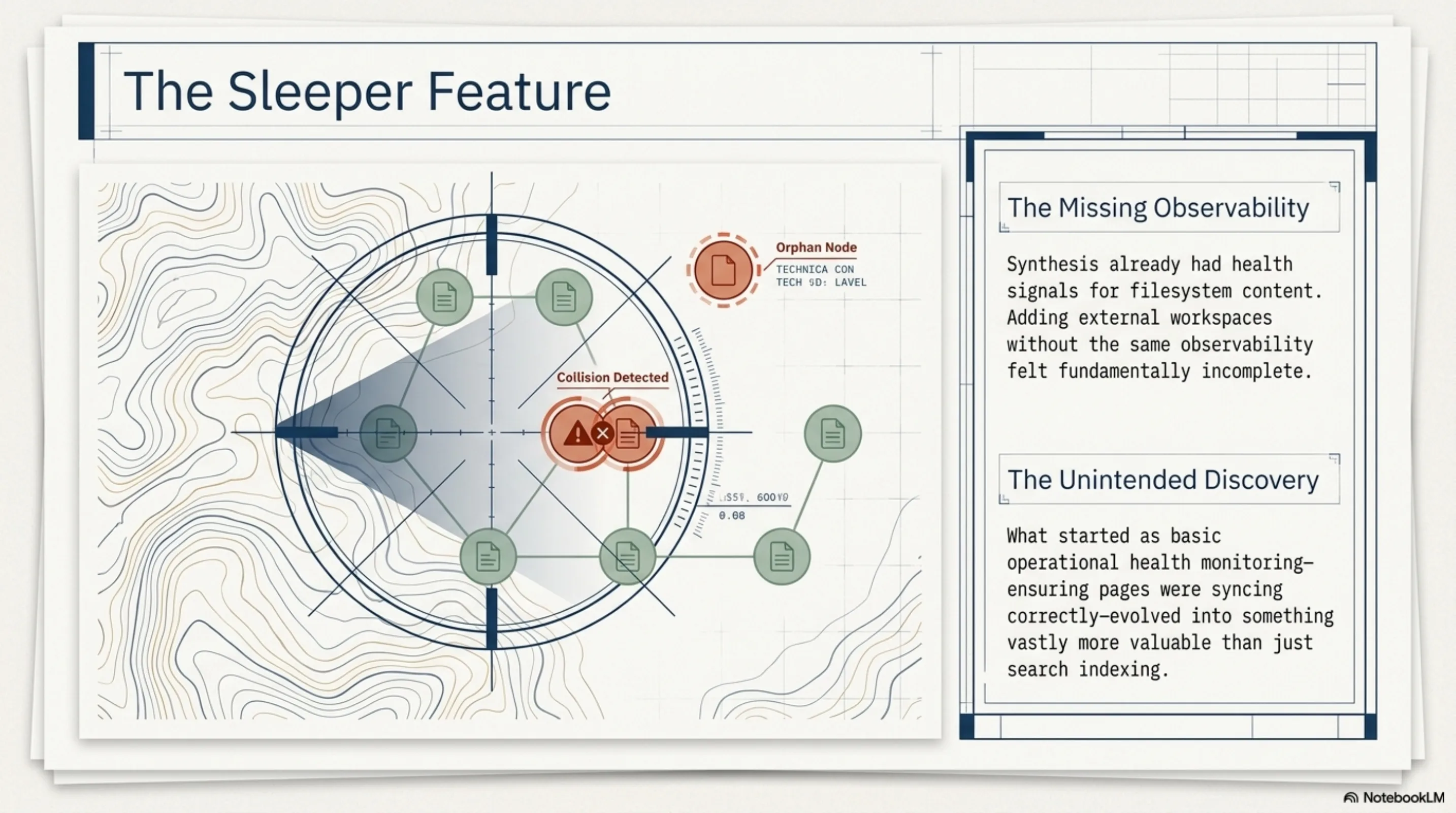
I almost shipped this without the health checks. Search works, incremental sync works, pages show up in the knowledge graph — done, right? But Synthesis already had health signals for filesystem content, and it felt wrong to add an entire workspace source without the same observability.
Three new signals:
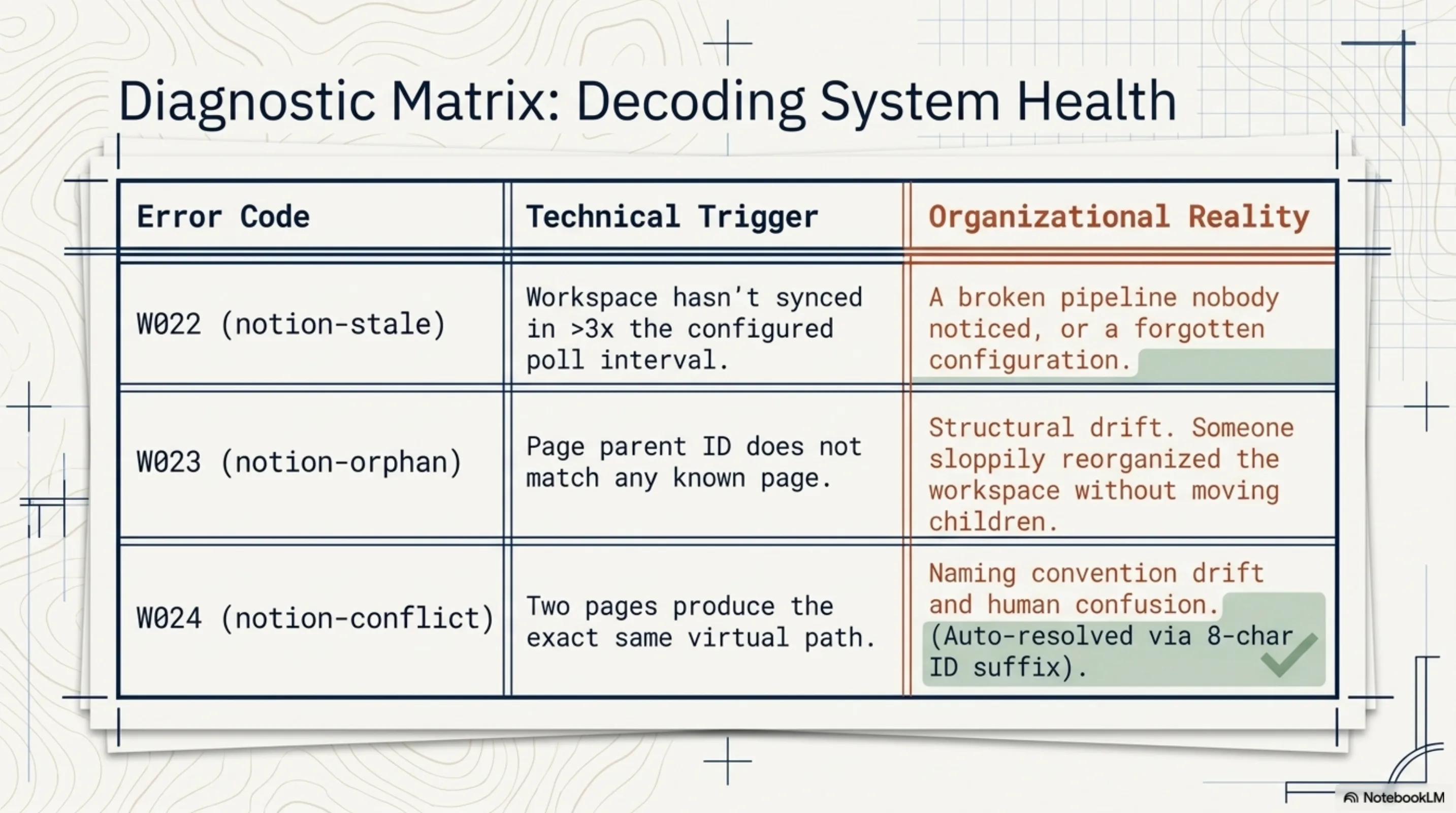
W022 (notion-stale): The workspace has not synced in more than three times the configured poll interval, or has never synced at all. A single SQL query against notion_sync_state. If your poll interval is 15 minutes and the last sync was 90 minutes ago, something is broken and nobody noticed. If it has never synced, you configured the integration and then forgot to actually run it. Both are common failure modes, both invisible without something that actively tells you.
W023 (notion-orphan): Pages whose parent page ID does not match any known page in the workspace. Structural drift. This happens when someone reorganizes a Notion workspace — moves pages to a different section, deletes a parent without moving the children. The orphaned pages still exist and still have content, but the virtual path hierarchy is broken. An agent would find them under a path that no longer reflects reality.
W024 (notion-conflict): Two or more pages produce the same virtual filesystem path. Caught and resolved automatically during sync (collision resolution appends an 8-character ID suffix), but the health check flags it because it signals an underlying naming issue that confuses humans too.
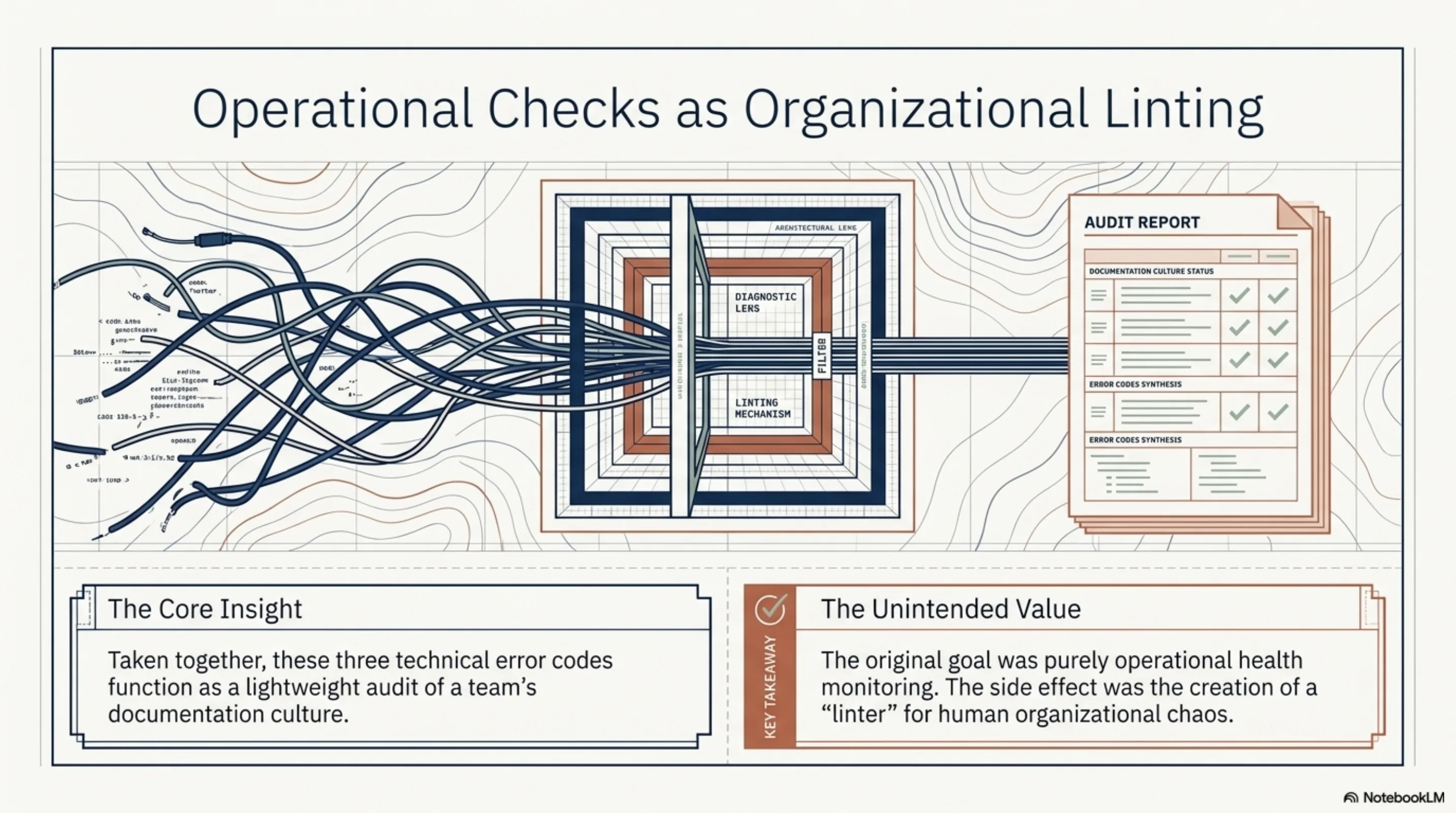
What surprised me is that these checks, taken together, function as a lightweight audit of documentation culture. W022 tells you if your sync pipeline is healthy. W023 tells you if someone reorganized without cleaning up. W024 tells you if naming conventions have drifted. None of this was the goal — the goal was operational health monitoring — but the side effect is organizational linting.
What this actually enables
When an ExoCortex agent picks up a task now, it can navigate:
- The codebase — filesystem source, indexed as before
- The architecture decisions — Notion
- The product requirements — Notion
- The compliance context — Notion (for some clients, this is a private regulatory knowledge base)
- The meeting notes — Notion
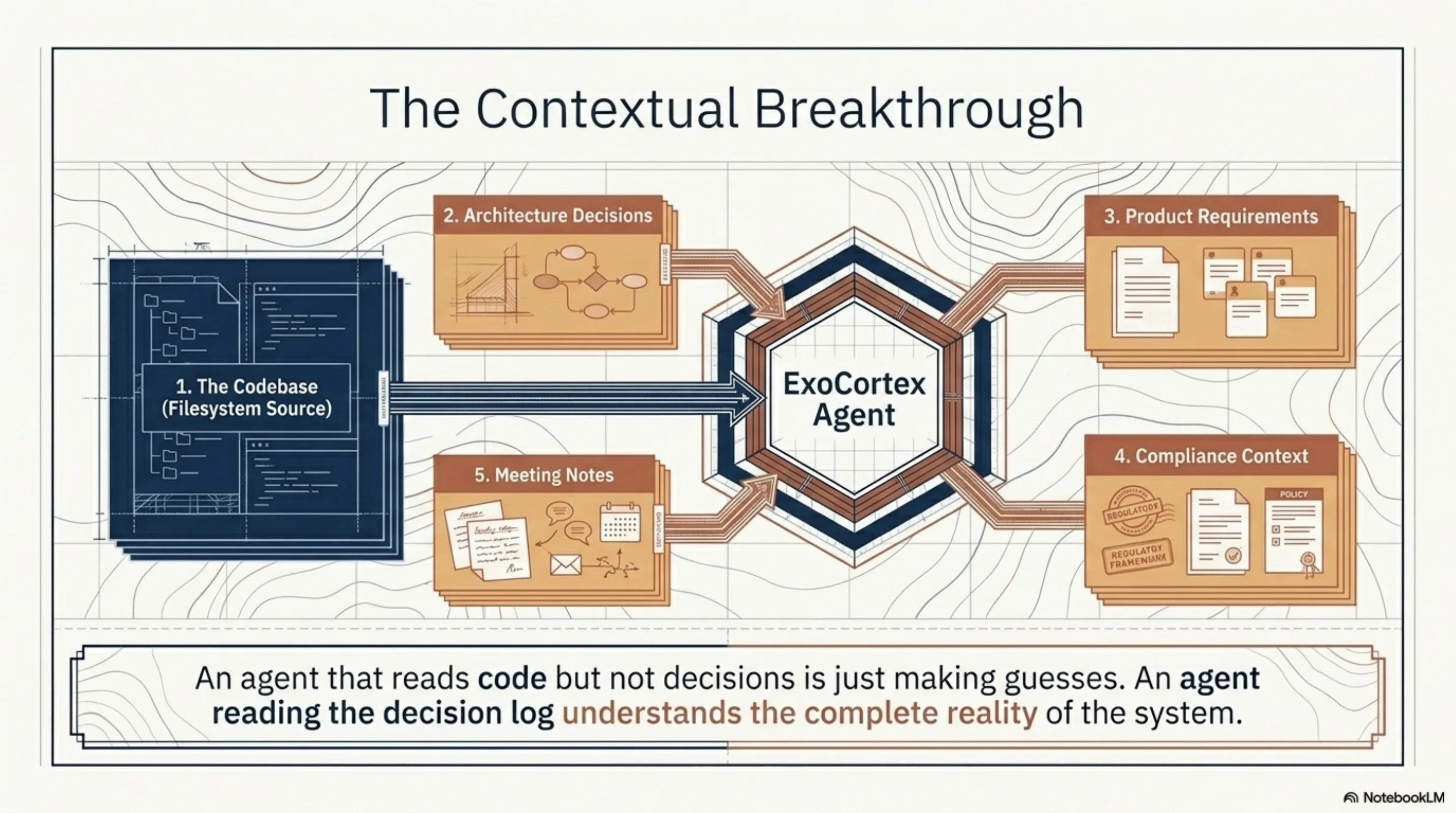
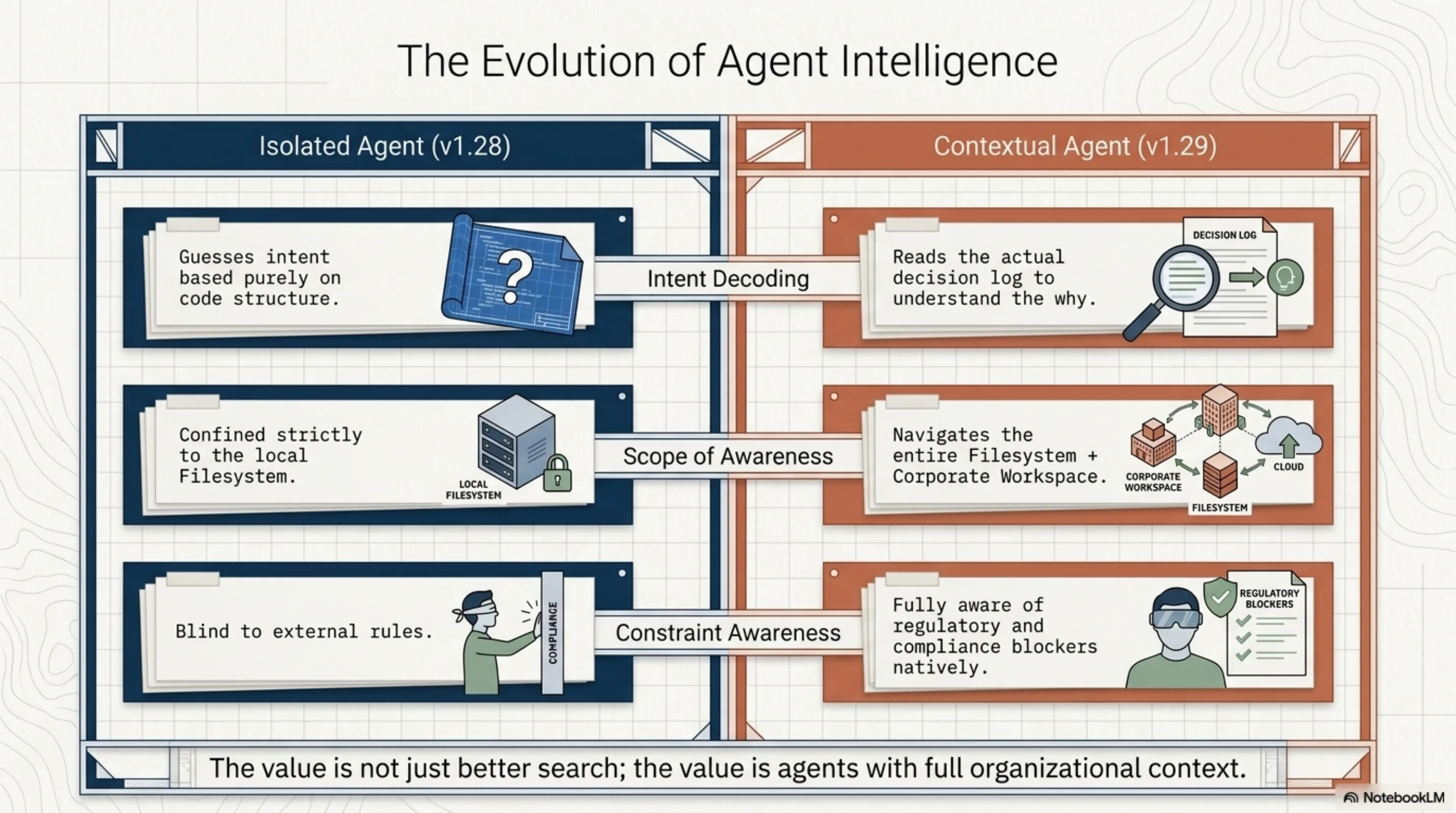
The difference is not incremental. An agent that can read your code but not your architecture decisions is making guesses about intent. An agent that can also read the decision log, the requirements, the constraints — that agent understands the context the code lives in. It can answer "why is the auth flow like this?" not by inferring from code structure, but by reading the page where someone wrote down the reasoning.
This is the value: not better search. The value is agents with full organizational context.
What is not there yet
Notion support is read-only. There is no write-back — agents cannot create or update Notion pages. Database properties (status, assignee, dates) are not indexed as structured metadata. There is no embedding-based semantic search over page content; Lucene full-text is good enough for most queries, but "which pages discuss rate limiting?" would benefit from vector retrieval. The incremental sync re-fetches the full page list and filters by last_edited_time client-side; Notion's API makes server-side filtering on edit time harder than it should be.
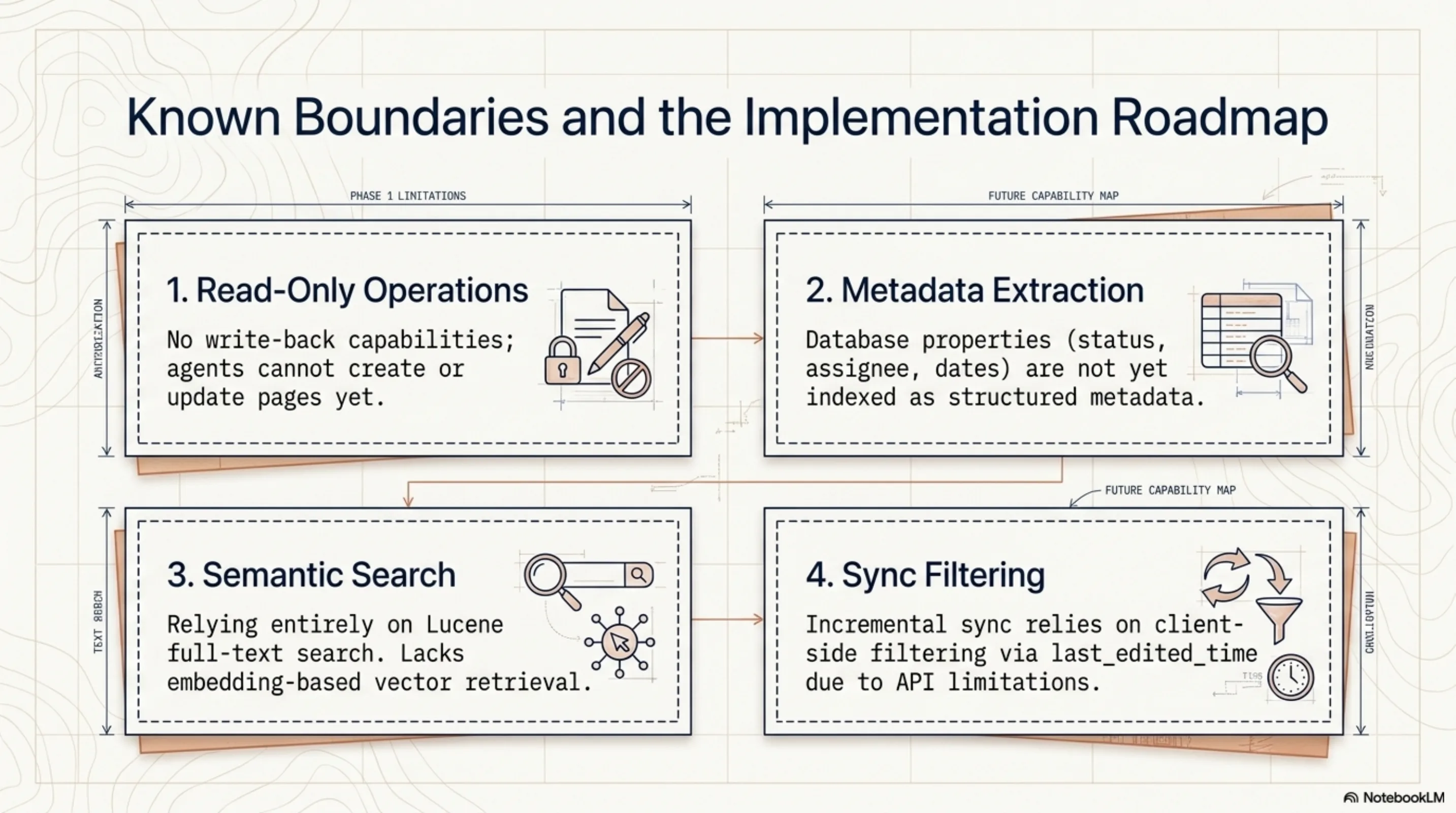
These are natural next steps, each one an independent feature with clear boundaries and testable intermediate states.
The shape of the thing
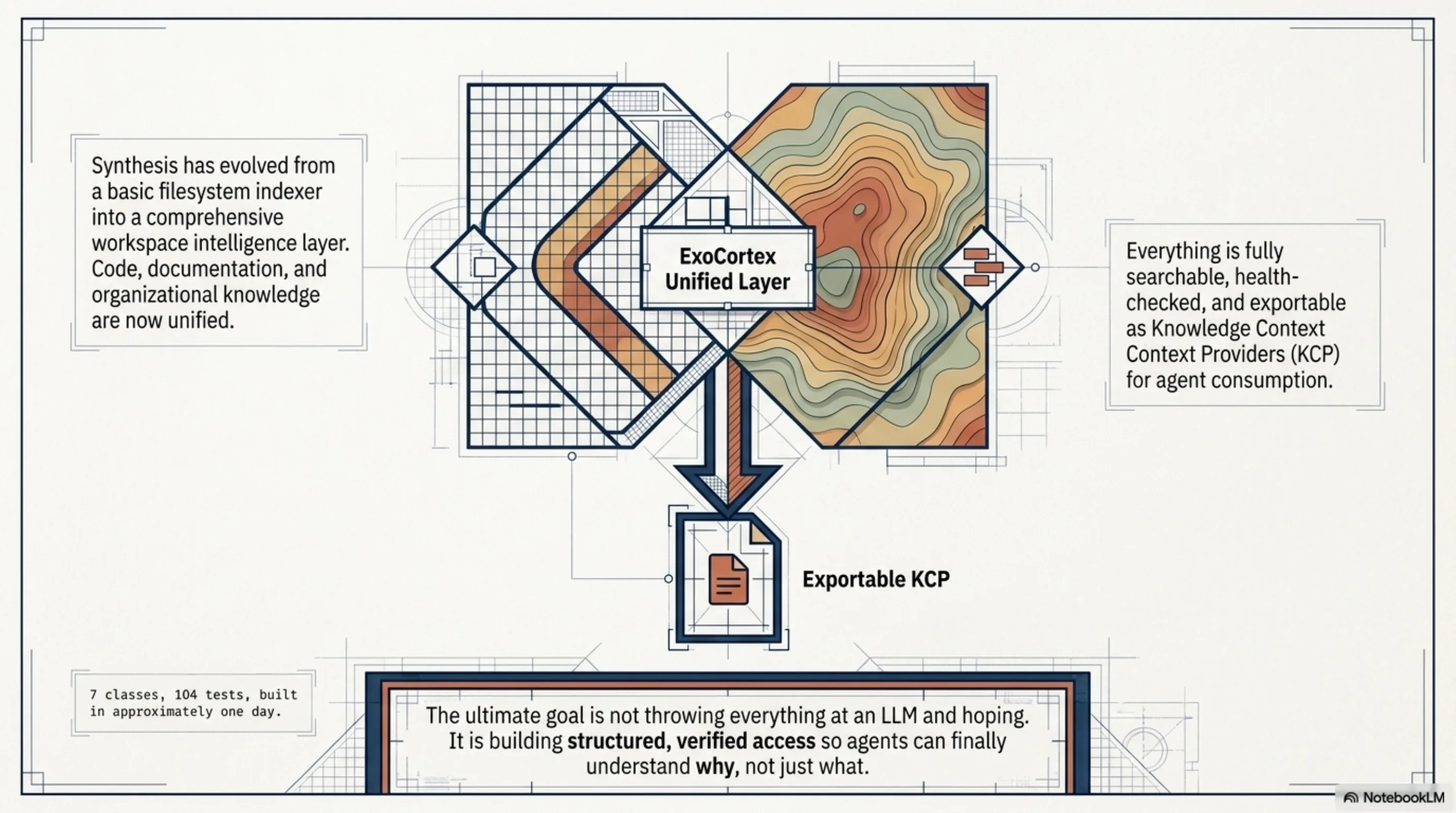
Every few weeks, ExoCortex gets a little more complete as a picture of how to work with AI agents properly. Not "throw everything at GPT and hope," but structured, disciplined augmentation: clear interfaces, verified states, health monitoring, proper test coverage. Synthesis started as a filesystem indexer and is now something closer to a unified workspace intelligence layer — code, documentation, organizational knowledge, all searchable, all health-checked, all exportable as KCP for agent consumption.
The Notion integration is 7 classes and 104 tests. It took about a day to build and review. The thing it enables — agents that understand why, not just what — is the part worth building toward.
Synthesis v1.29.0 released April 21, 2026. The Notion workspace source is available to all Synthesis pilot users.